
Longer hacks (scroll down and click Read more on a section)
All the hacks on this page are aimed at making writers brilliantly efficiently. They're around 3 to 4 minutes each video and 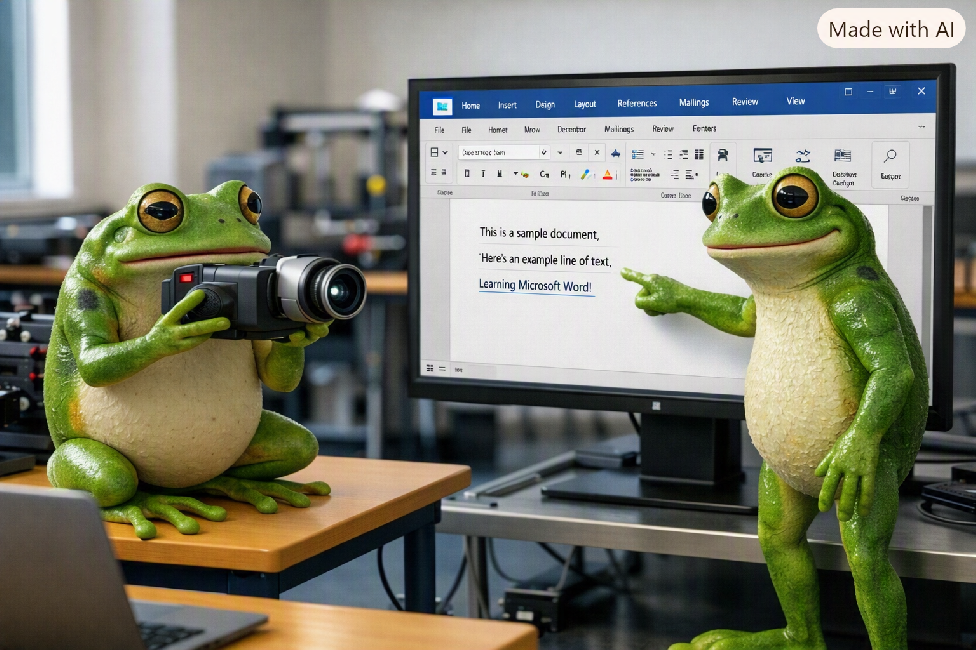 clearly entitled so you know what they're about. Click Read more... to, well, read more! Then scroll down and click on the video you want to see or click here to go to the featured video. Click on the Read less... button at the bottom when you've finished with a section. Scroll down...
CAVEAT: These tips are for the latest version of MS Word desktop (i.e. V2024 or M365) on Windows. Most will work with slightly older versions and may (or may not) work on a Mac using the alternative keys such as Cmd). They are unlikely to work on a tablet and will certainly not work on a mobile phone. Only some will work with Word Online (it's a free version, remember?).
Subtitles
I've just noticed, YouTube is automatically adding subtitles to the bottom of the video, obscuring some of it. Apologies and I'll have to look into it and rework them.
Croaky Frog Videos
Excuse the perennially croaky voice - hence the name! 🐸
If you find them useful...
If you like these hacks and find them helpful (or if you like my stories) then ⬇️ (always appreciated).
Expand each section ⬇️
Click Read more... on each section to see a list of videos. Click Read less... at the bottom to collapse the section again.
Hint: Make sure sound is on (not muted) and you expand the video to full screen.
Page Numbers in a nutshell
A 3 or so minute hack 'all about page numbers (which are usually inserted into the Header or the Footer). Not just sticking a 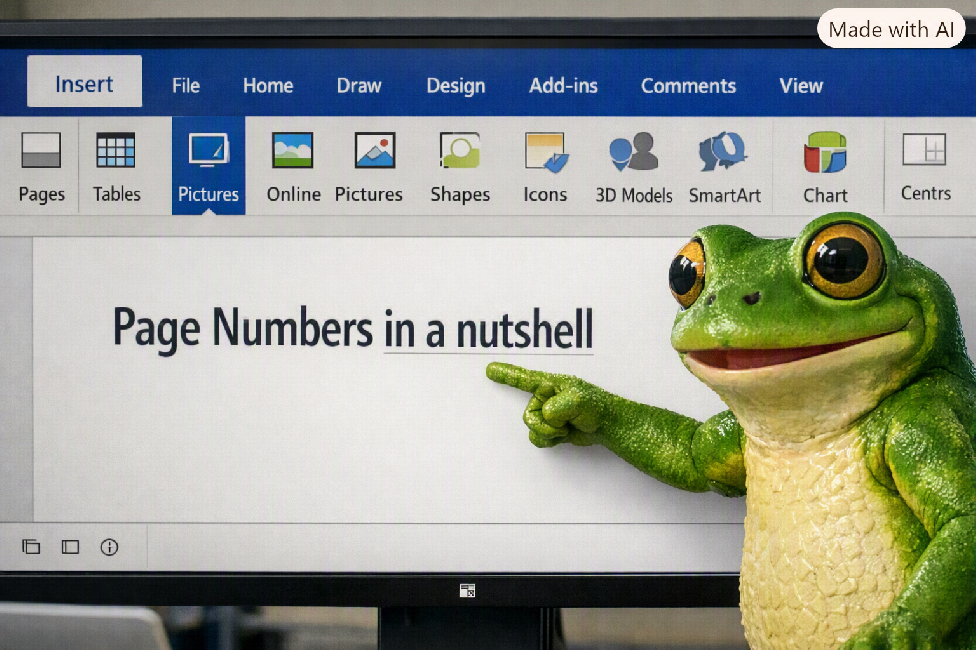 number on each page but brilliant hacks to add the word Page before the number and even Page x of Y... and doing it quickly.
Guided hack through page numbering
Whizz thru' a big document with Go To
Use this hack to learn about a myriad of 'go to' options that will cut down the time you spend scrolling up and down your long 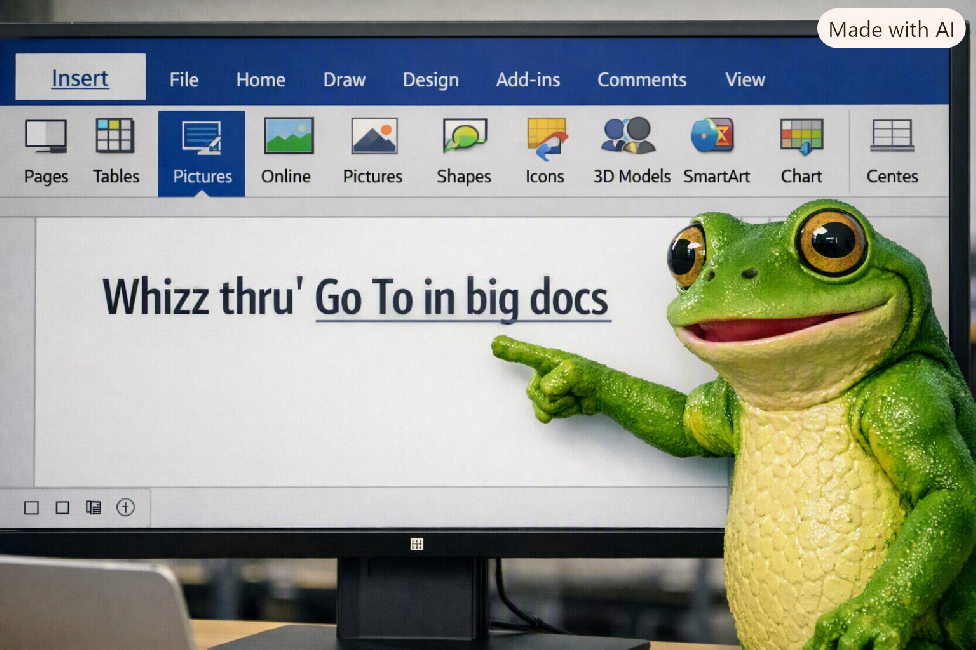 document.
Guided hack through 'Go To' (big documents)
Find Text - basics most people know but still miss out
Find a word or a phrase but did you know you can find exact word only matches and search for words that 'sound like' (great f  you've misspelled it.
Guided Hack - Find - the basics you've probably missed
Find AND Replace Text
Find words (or phrases) and replace with other text. Do so selectively, choosing what you replace and what you don't or go the  whole hog and Replace All. There seems to be a 'gotcha' but in fact there is a way around it which gives you the best of bothworlds.
Selection - things you didn't know you didn't know
Because they know how to click and drag, many people don't realise there are so many other quicker, neater more efficient ways to select text, no do they know that, if you've selected wrongly, you can simply extend or contract.
 @FlissZak
 Fliss Zakaszewska
Writing|Home|Fliss - Writer|Videos|About|Contact|Newsletter|Meme City
Copyright ©2026 Fliss Zakaszewska - All rights reserved.